

Description
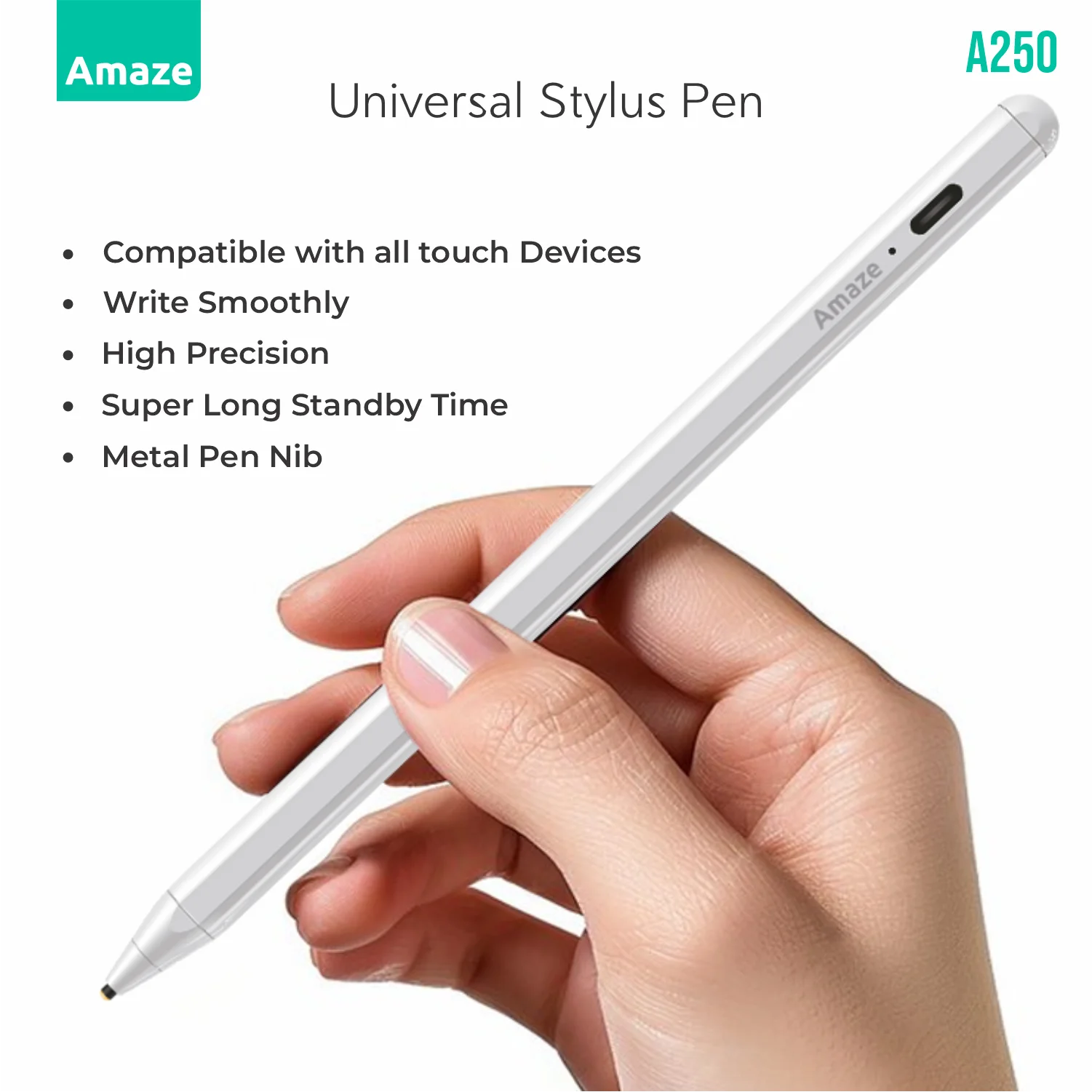
Amaze A250 capacitive stylus overview
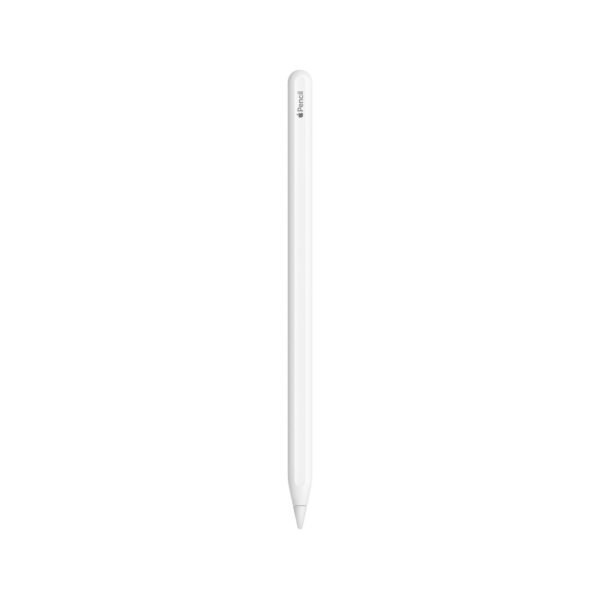
The Amaze A250 is built for touch laptops, tablets, and large-screen phones where you want pen input without pairing apps or installing drivers. Turn it on with the barrel switch, wait for the blue LED, and write on glass in supported note and drawing apps.
Barrel, nib, and stroke response
The body is aerospace-grade aluminum machined to a 9 mm diameter. A 1.2 mm copper nib contacts the screen with low latency so handwriting and sketches follow small movements. Tilt-sensitive input works in apps that support shading-style strokes.
Works across touch devices
An internal capacitive sensor reproduces a fingertip-style signal with tighter focus, so the pen is ready on iPads, Android tablets, Windows 2-in-1s, and large smartphones—no Bluetooth link and no driver setup.
Battery, charging, and idle power
| Cell | 150 mAh lithium-polymer |
| Runtime | Up to 12 hours of continuous writing per charge |
| Port | Hidden USB-C; included USB-C cable |
| Indicators | Blue LED when active; red LED near 10% remaining |
| Idle | Auto power-off after 10 minutes of inactivity |
A short USB-C top-up can restore about 90 minutes of use in roughly five minutes when using a suitable charger. Any PD-capable USB-C source can recharge the pen.
Grip button and desktop customization
A soft-touch programmable button near the grip can cycle eraser, highlighter, and screenshot modes in apps that allow shortcut mapping, with a vibration pulse when the mode changes. A companion desktop utility lets you assign actions such as single-tap undo or double-tap screenshot.
Nib care
The copper nib is rated for more than 200,000 strokes before replacement is typically needed. When strokes feel scratchy, twist the nib anticlockwise and fit the spare supplied in the box.
Available through Xccessories Lab for shoppers who want one stylus that moves between touch devices in a daily kit.






Reviews
There are no reviews yet.